The booking, in one paragraph
To book a black car online in Toronto: open the booking engine; choose point-to-point or hourly; enter the pickup (an address, or an airport and terminal) and the destination; enter the date and time (for an airport arrival, the flight number — it sets the terminal and the pickup time and starts the tracking); enter passengers, luggage and children's ages; choose the vehicle class (the engine suggests one from the counts); review the fare with HST and any 407 line item; select add-ons (meet and greet, a language); enter your details and a card; and confirm. You receive an email confirmation immediately and the chauffeur's text with their name, mobile and plate the evening before. Changes and cancellations are free up to the cutoff in the policy; a text to dispatch does either.
The booking engine on this site is the same one our dispatchers use, and it exists because the questions a dispatcher asks on the phone are the fields it shows; a booking with every field filled honestly produces a car at the right curb with the right seats and the right fare, and a booking with fields skipped produces a phone call. This article walks the engine field by field — what each asks, why it asks it and what it does for the trip — then covers the fare display and what to check on it, the add-ons, the payment, the confirmation and the chauffeur's text, changes and cancellations, and the variants: the hourly booking, the group, the long-distance run, the corporate account's version and booking from abroad. The Pearson page covers what happens after the booking at the airport; this is what happens before.
Step one: point-to-point or hourly
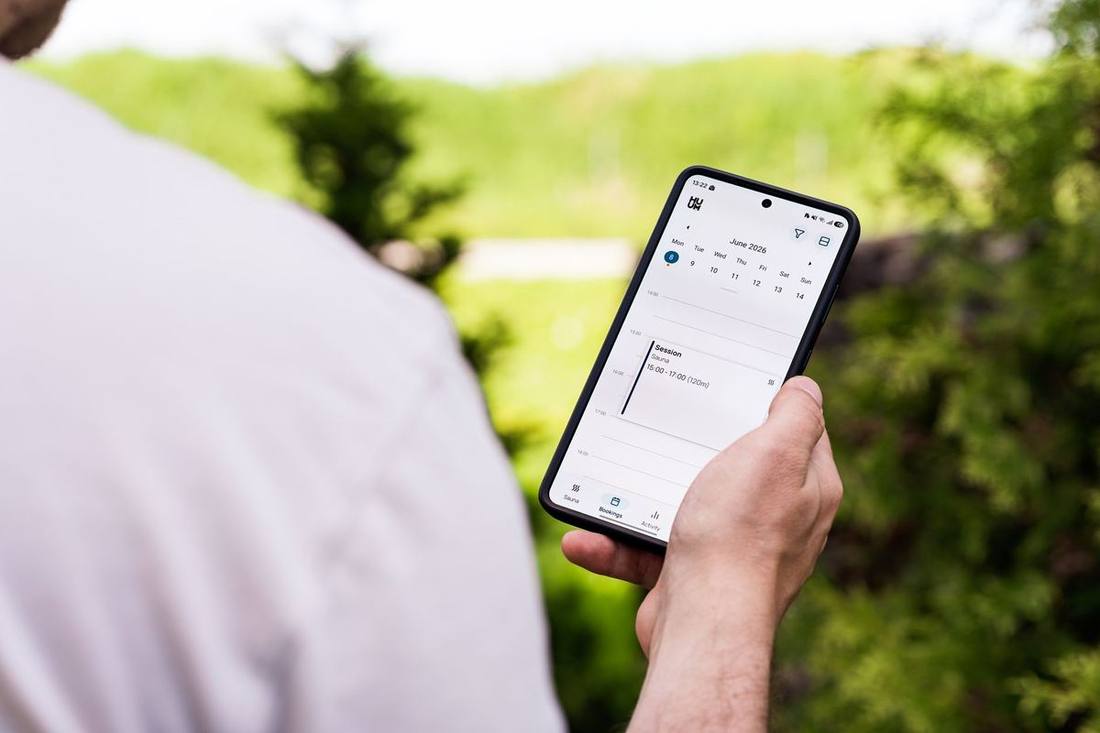
The engine's first choice is the shape of the trip: point-to-point — a fixed fare for a pickup and a destination — or hourly — a rate for a chauffeur and vehicle for a duration. The hourly vs point-to-point article has the break-even (one destination, point-to-point; three stops or a long wait, hourly); the engine shows both fares when a trip could be either.
Step two: the pickup
An address — the engine autocompletes it and asks for a unit or a note if the building is large — or an airport. For an airport pickup, the engine asks for the terminal (or derives it from the flight number in step four) and, for Billy Bishop, sets the mainland pickup at Eireann Quay. A hotel's name works as an address; the Pearson to downtown hotels article explains why the full name matters when there are three Sheratons. The notes field takes the entrance, the gate code, the porte-cochère.
Step three: the destination
The same: an address, an airport and terminal, a hotel's name, or a landmark the engine knows (the CN Tower, Scotiabank Arena, the cruise terminal). A second destination — a stop on the way — is added here as a stated stop fee; more than two stops and the engine suggests hourly.
Step four: the date, the time and the flight number
For a departure, the pickup time; the engine suggests one from the flight's departure time, the airline's recommended arrival and the hour's traffic, and the how early to book article explains the buffers. For an arrival, the flight number — the single most important field on an airport booking: it sets the terminal, pegs the pickup to the flight's actual arrival, starts the tracking that moves the pickup with delays, and tells dispatch the origin (international arrivals get the 60-minute wait allowance, domestic 30). The flight delays article explains what the tracking does. A booking without a flight number is a booking for a fixed time at a guessed terminal.
Step five: passengers, luggage and children
The number of passengers; the number of checked bags and carry-ons (and anything odd — a golf bag, a cello, a stroller); and each child's age (which the engine turns into the seats Ontario's law requires — the child seats article explains). The counts choose the vehicle class: two adults, two children and five bags is an SUV, and the engine says so; the luggage capacity article has the numbers. Honest counts here are the whole difference between a family in an SUV with seats and a family at the curb with a sedan.

Step six: the vehicle class
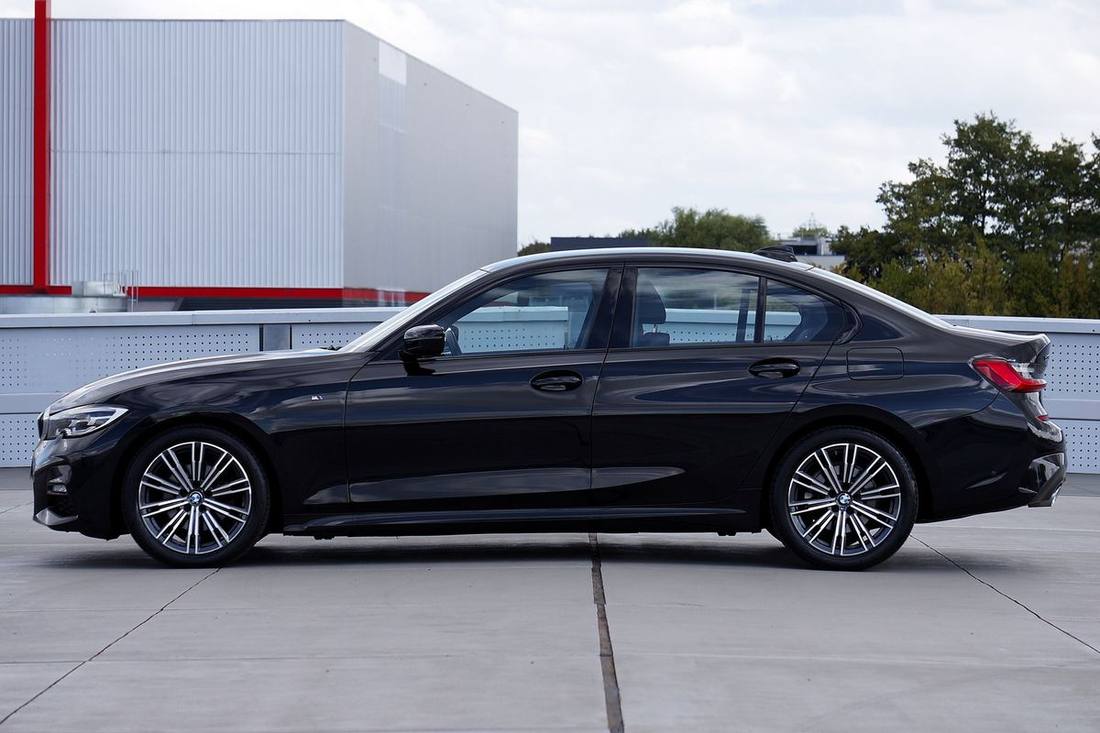
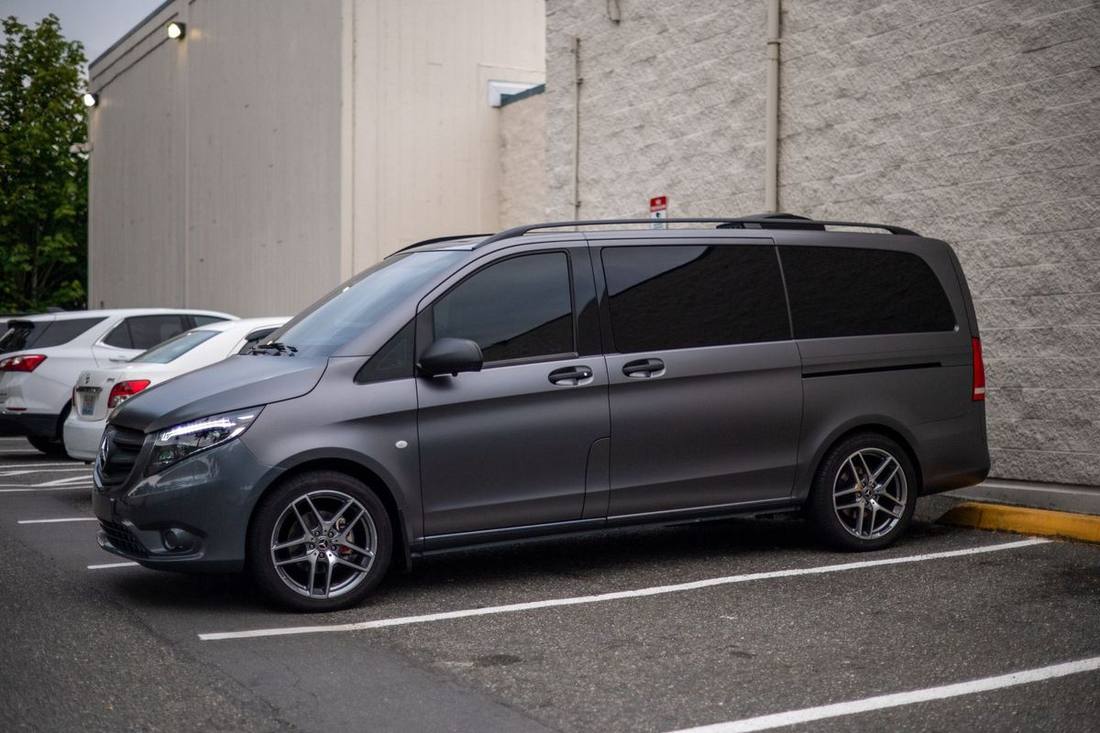
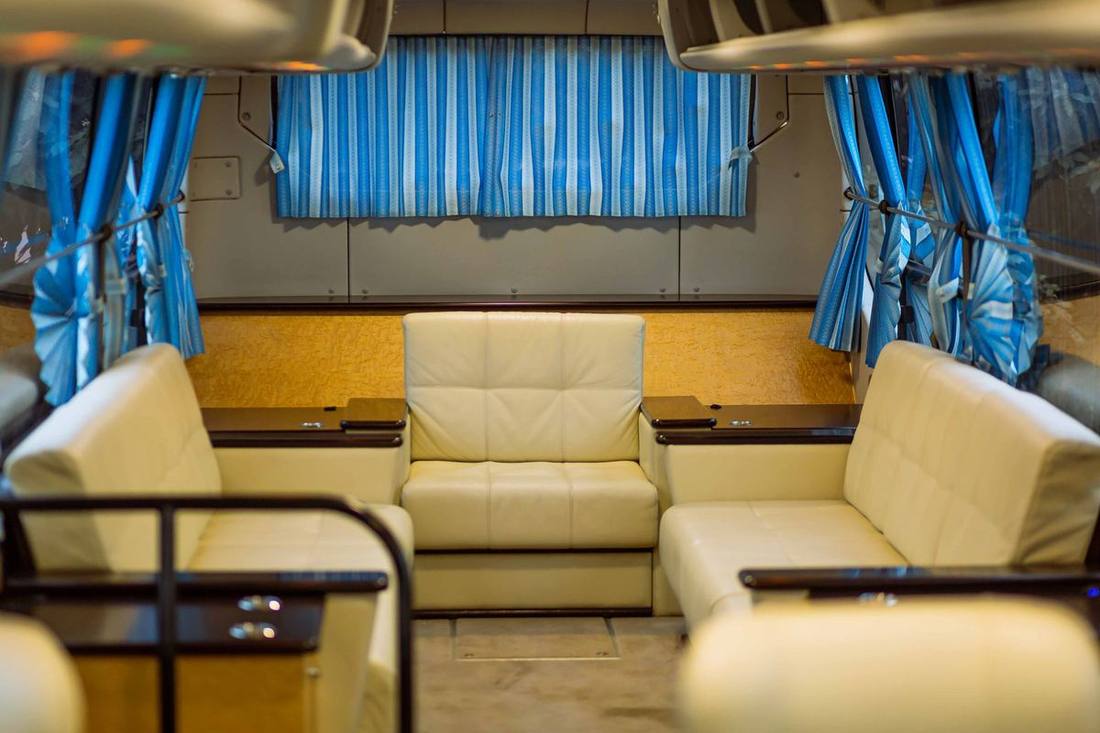
Executive sedan, premium sedan, luxury SUV, Sprinter — the engine suggests the class the counts require and lets you choose a higher one; the stretch limousine, stretch SUV and limo bus appear for hourly bookings. The fleet page shows the classes and the executive sedan vs luxury SUV article helps choose between the two most common. A specific model can be requested in the notes and is honoured when the roster allows.
Step seven: the fare, and what to check
The engine shows the fare for the class, the HST as a separate line, and — where the route could use it — a 407 ETR line item with an estimated toll, unchecked. Check it to approve the 407 as an option (the chauffeur uses it only when it helps and it is charged at cost only if used — the 407 article); leave it to decline. The fare is fixed: the flat rate article explains what is inside it and the what is included article the full list. Nothing else will appear on the receipt except waiting beyond the allowance, an extra stop you add, or a gratuity you choose.
Step eight: the add-ons
Meet and greet — the chauffeur inside the arrivals hall with a name board — as a flat add-on (the meet and greet article); the name for the board. A language — Cantonese, Mandarin, Punjabi, Hindi, Urdu, Tamil, Farsi, Russian, Hebrew, Tagalog, Italian, Portuguese, Spanish, French and others — at no charge, honoured when available. A gratuity — a percentage or an amount, or none, to be decided later. Notes — the entrance, the gate code, a preferred chauffeur, a temperature, a newspaper, anything.
Step nine: your details and the card
Name, mobile (for the chauffeur's texts — a companion's mobile works if you will have no roaming), email (for the confirmation and the receipt), and a card, which is authorised for the fare and charged after the trip with any extras; the deposits and payment methods article covers the cards we take, the deposits for occasion and long-distance bookings, and the corporate invoicing. Passengers booking from abroad see Canadian dollars and their card converts.
Step ten: the confirmation and the chauffeur's text
The confirmation email arrives within a minute with every field, the fare, the HST, the line items, the cancellation cutoff and dispatch's number. The evening before the trip (or a few hours before, for a same-day booking), the chauffeur's text arrives with their first name, mobile number, the vehicle's make, colour and plate, and the door or the pickup point; at the pickup time a second text says the car is outside. The what to expect on a first ride article describes the sequence.
Changing and cancelling
A text or email to dispatch changes the time, the address, the vehicle or the flight number; a cancellation is free up to the cutoff in the cancellation policies article (several hours before a transfer; longer for occasion and long-distance bookings), and a cancelled flight cancels the car free at any notice. The confirmation email has the link and the number.
The hourly booking's differences
The hourly booking asks for the start address, the start time and the estimated duration (the minimum applies — two hours for a sedan or SUV, three on Friday and Saturday evenings, three for a Sprinter, four for a stretch, five for a bus), and the notes take the itinerary; the hourly page explains and the executive assistants' guide shows the itinerary a booker writes.
The group booking's differences
A group of six or more is a Sprinter or a bus, and the engine asks for the leader's name and mobile (for the board and the text), every flight number if the group arrives on more than one, and the equipment; the group transfers article has the plan. For fifteen or more, or a multi-vehicle event, dispatch takes the booking by email with a manifest.
The long-distance booking's differences
Niagara, Muskoka, Kingston, Buffalo — the engine returns the fixed long-distance fare and asks whether the car waits and returns or drops one way; a cross-border run shows the border allowance; a deposit applies. The long distance vs flying article explains the structure and the Buffalo article the border.
The corporate account's version
A booker on a corporate account logs in, and the engine already knows the account's addresses, its travellers' preferences, its 407 policy, its gratuity terms and its invoicing; a booking is the traveller's name, the flight and the destination, and the corporate account billing article shows where it lands on the statement.
Booking from abroad
The engine works in any time zone: the fare in Canadian dollars, the confirmation by email, the chauffeur's text at the Toronto evening before; a companion's Canadian mobile can take the texts if the traveller will have no roaming, and meet and greet puts the chauffeur inside so no text is needed at all. The visitor guide suggests what else to book.
Booking fields quick reference
| Field | What it does |
|---|---|
| Point-to-point / hourly | Sets the fare structure |
| Pickup (address / airport + terminal) | Where the chauffeur goes; Billy Bishop → Eireann Quay |
| Destination (+ optional stop) | The fare's distance; stop fee if added |
| Date and time / flight number | Pickup time; for arrivals, terminal + tracking + wait allowance |
| Passengers, bags, children's ages | Vehicle class; child seats installed |
| Vehicle class | Sedan, premium sedan, SUV, Sprinter (stretch/bus for hourly) |
| Fare + HST + 407 line item | Fixed fare shown; 407 optional and at cost |
| Add-ons | Meet and greet (flat), language (free), gratuity (your choice), notes |
| Your details + card | Texts, confirmation, receipt; card charged after the trip |
| Confirmation → chauffeur's text | Immediate email; name, mobile, plate the evening before |
Booking now
The engine takes a minute; the Pearson page has what happens at the airport and the FAQ the rest.
The phone alternative, and when to use it
The engine handles nearly every booking, and dispatch's phone handles the rest: a booking with fourteen passengers on three flights, a multi-day itinerary, a wedding's fleet, a request the fields cannot hold. A phone booking asks the same questions in the same order — the dispatcher is reading the engine's fields — and produces the same confirmation email; the how dispatch works article describes the desk. Passengers who prefer the phone for every booking are welcome to it; the engine is there for the ones who prefer a minute on a screen at midnight.
What the confirmation should say, and what to check
Read it once: the pickup address or terminal, the destination, the date and time (in Toronto time — a booker in London should check), the flight number, the passenger and luggage counts, the children's ages, the vehicle class, the fare and the HST, the 407 line if approved, the add-ons, and the cancellation cutoff. A field that is wrong is a text to dispatch; the booking mistakes article collects the ones that go unread until the curb.
Booking notes for the engine
Three small things. Put the flight number in, always. Count honestly — passengers, bags, children's ages. And read the confirmation once, the evening it arrives, not at the curb.
A worked booking: London to the Four Seasons, booked from Heathrow
At Heathrow's gate a passenger opens the engine on her phone: point-to-point; pickup "Pearson, Terminal 3" (the engine sets it from the flight); destination "Four Seasons Toronto"; the flight number BA93; one passenger, two bags, no children; premium sedan; the fare and the HST shown, no 407 line (Yorkville does not need it); meet and greet selected, "Ms. Okafor" for the board; her UK mobile and a card. The confirmation is in her inbox before boarding; the chauffeur's text arrives at 8 p.m. Toronto time while she is over the Atlantic; the chauffeur is at the customs exit with the board when she clears. Ninety seconds of booking, and nothing at the curb.